Hi Victor Carvalho
Welcome to the forum - I'm not all that familiar with Agisoft these days, however in Zephyr you can simply create control points and scale/transform your model using those.
Here's a couple of resources which cover this issue:
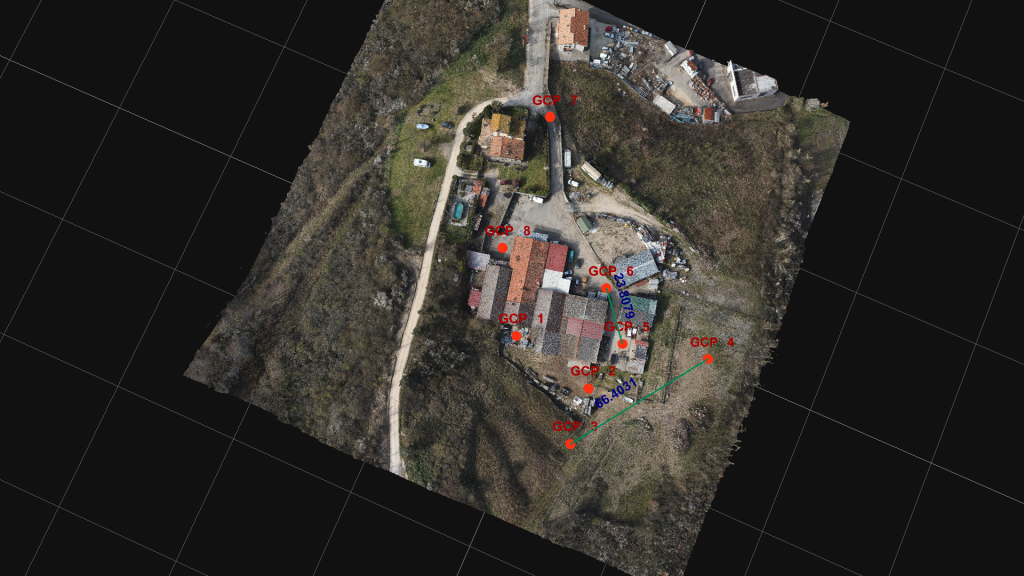
Let me know if you're still stuck after going over those and I'll happily advise further.
Issues with Incorrect Scale on Multi-Camera 3D Model in 3DF Zephyr
Collapse
X
-
Issues with Incorrect Scale on Multi-Camera 3D Model in 3DF Zephyr
I'm facing a challenge with the scale of 3D models generated using a multi-camera setup and hope someone can help. Traditionally, I processed my data using Agisoft, where I had well-defined calibration parameters for the distance between cameras. However, when applying these same parameters in 3DF Zephyr, the resulting model is about 6.25 times larger than expected.
To clarify, I know the scale is incorrect because I have reference rulers in the model, and when measured, I obtained this disproportionate result. Is there a specific setting or adjustment in 3DF Zephyr that I should check? What is the reference for measuring the offset between cameras?
Any help or insights you can provide would be greatly appreciated!
Tags: None
Leave a comment: