
There was a long time period of "creating packs" in the final texture process (20min or so) , where the processbar did not move and no activity in the system info was seen.
whatsapp mod
watch tv series
-
It can be long depending on the dataset complexity and computer processing load. You can share the logfile to support@3dflow.net but if it completed, then everything's fine
Leave a comment:
-
Andrea Alessi
oh, i forgot something to tell:
There was a long time period of "creating packs" in the final texture process (20min or so) , where the processbar did not move and no activity in the system info was seen.
Is that the normal case?Leave a comment:
-
Hi Stephan,
glad I could help!
Unfortunatley professional-grade featuers such as the ICP and laser scanning support, will not be sold separately as they are part of our full version. Keep in mind zep files are compatible between lite and full, so you can eventually get the monthly version if you need it for a shorter period
Leave a comment:
-
Andrea Alessi
Holy crap!
 That worked at the first try and with surgical precision. Thank you for that hint.
How about selling ICP as a plugin? (just the single ICP)
Just from my point of view, I would pay the price for the lite version or even a little more for that tool.
For a user with no commercial intentions like me, the big Zephyr is out of reach, so this would be a great way to get that timesaver.
Zephyr impresses me again and again...
Best regards
Stephan
Leave a comment:
-
Hi Stephan,
you can either use GCPs or visually.
here's a sample workflow:
Project A: made with images with spray
Project B: made with clean images
Get both projects to the mesh stage.
Workflow 1:
Set common GCPs in both projects. Use either project A or B as reference, and use such control points to move the other project in the same reference system. Export the mesh from project A and import it in project B. It is now roughly aligned, feel free to adjust it with the gizmo.
Workflow 2:
Simply export the mesh from project A, import it in project B. It will very likely in a different scale and position, so use the gizmo to put it visually where it should be.
Regardless if you used workflow 1 or 2, you should now be in the same condition: project B has an unstructured mesh (A) that matches the position / scale / rotation of its mesh.
Use the ICP to do the fine alignment.
When the ICP has completed, right click -> make structured the unstructured mesh, and that's it! You have the geometry from project A textured with the photos used in project B!
I hope this helps! Let me know if you need additional guidelines!Leave a comment:
-
Andrea Alessi
sorry to ask again, could you explain with wich tools i register the "good" mesh to the workspace with the "good" images?
Do i use control points or is there an other way?
Thanks in advance
StephanLeave a comment:
-
You won't be able to do this workflow with the lite edition - ICP allows you to do a fine alignment, as the GCP/visual one is a rough one and very prone to human error.
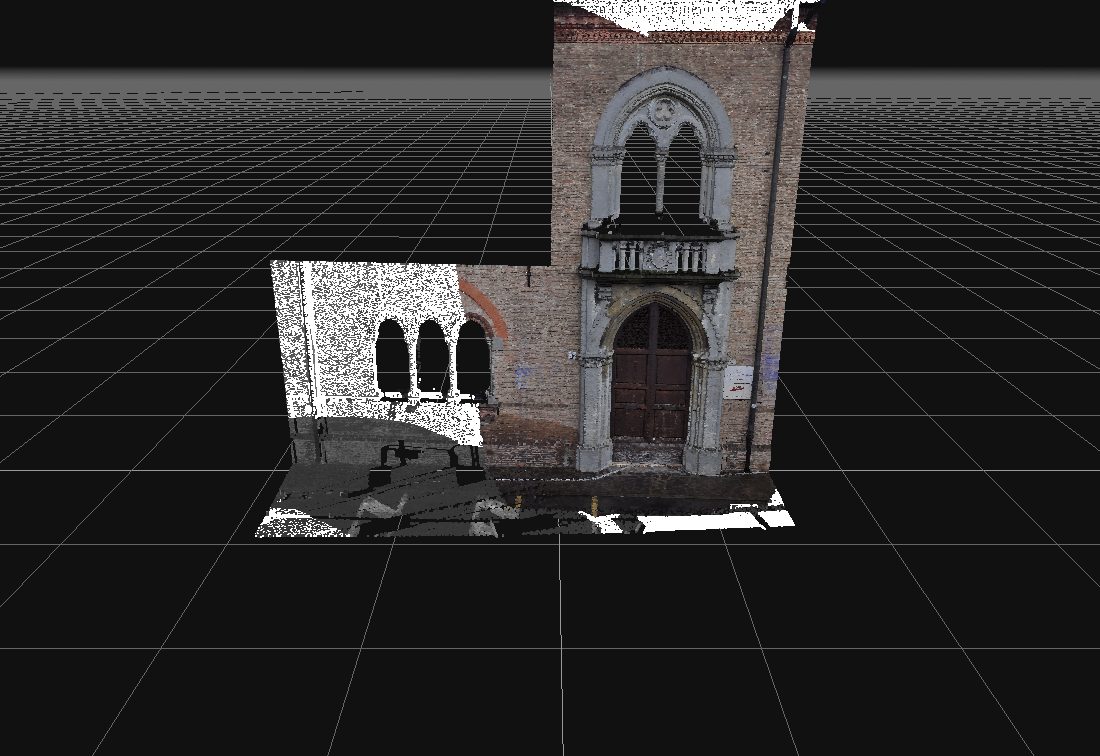
You can ask for a 3DF Zephyr license for the world cup here in case you want to try it https://www.3dflow.net/3df-zephyr-ev...download-page/
Leave a comment:
-
as an owner of a Zephr Lite License, that is only running the big brother for the contest:
Please enlighten me what ICP is.
Thanks in advanceLeave a comment:
-
If you're still having ghosts, it's either you didn't remove an image or there's a badly oriented camera somewhere. Try checking which cameras see the point where the ghosting is.
yes, do a first rough alignment (either via gcp or even visually) then run an ICP, make structured and retexturize itLeave a comment:
Leave a comment: