

Designed to be approachable while still giving experts real control.
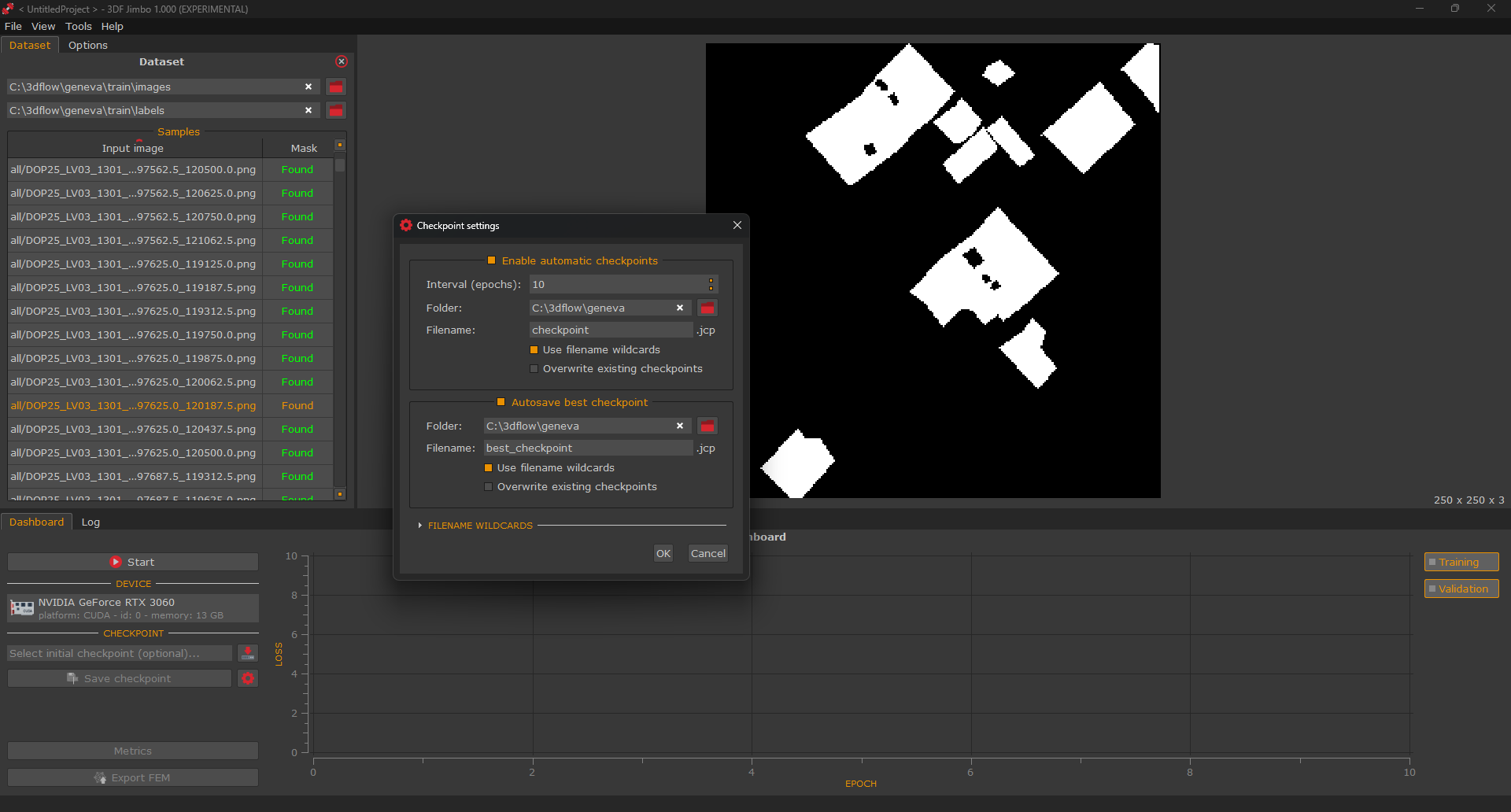
Training data is simple: each training example is a plain image paired with a binary mask, where the target appears in white on a black background.
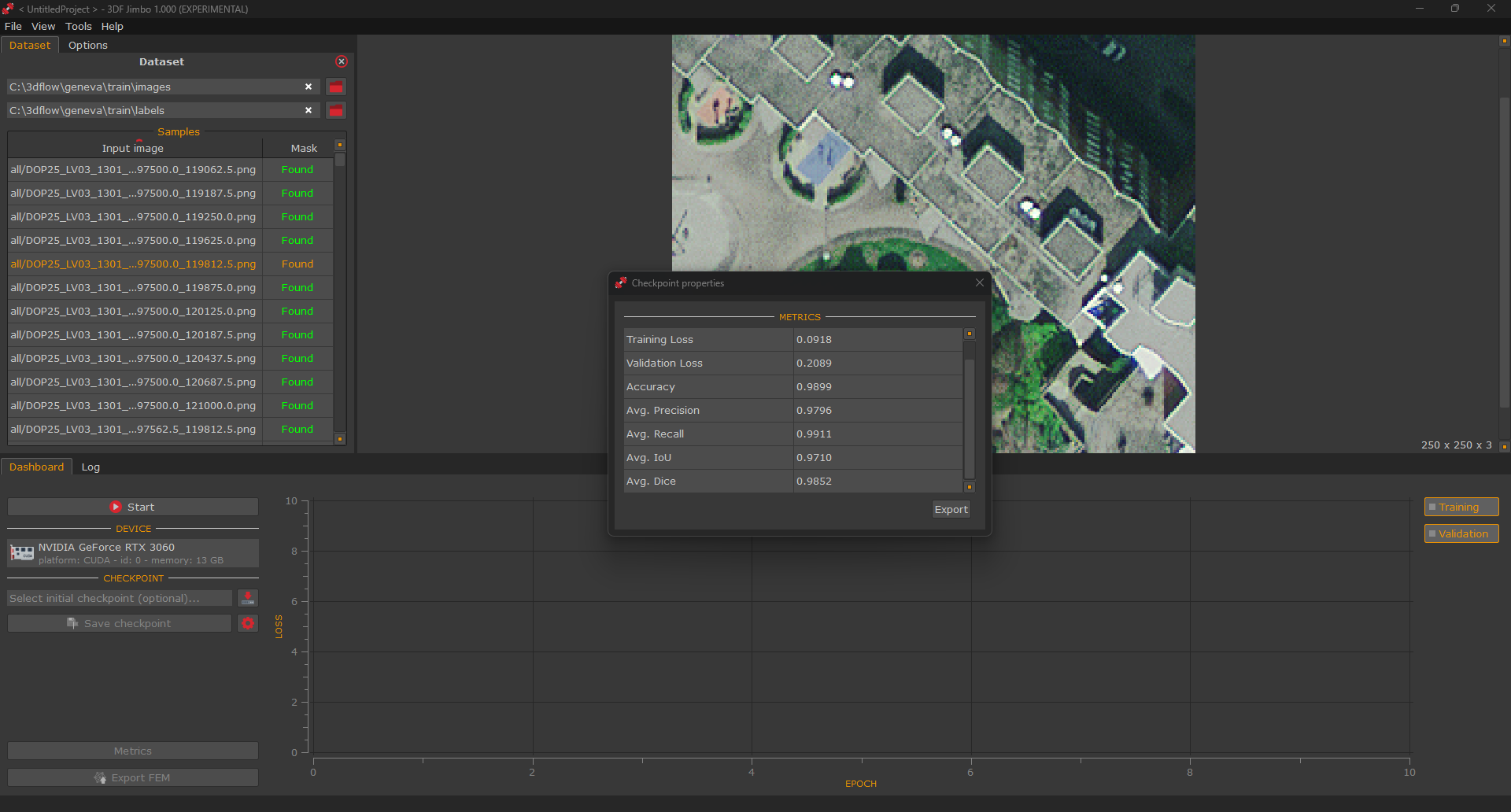
Jimbo pairs images and masks automatically based on file names, and a synchronized view lets users pan and zoom across an image and its mask together to check quality.
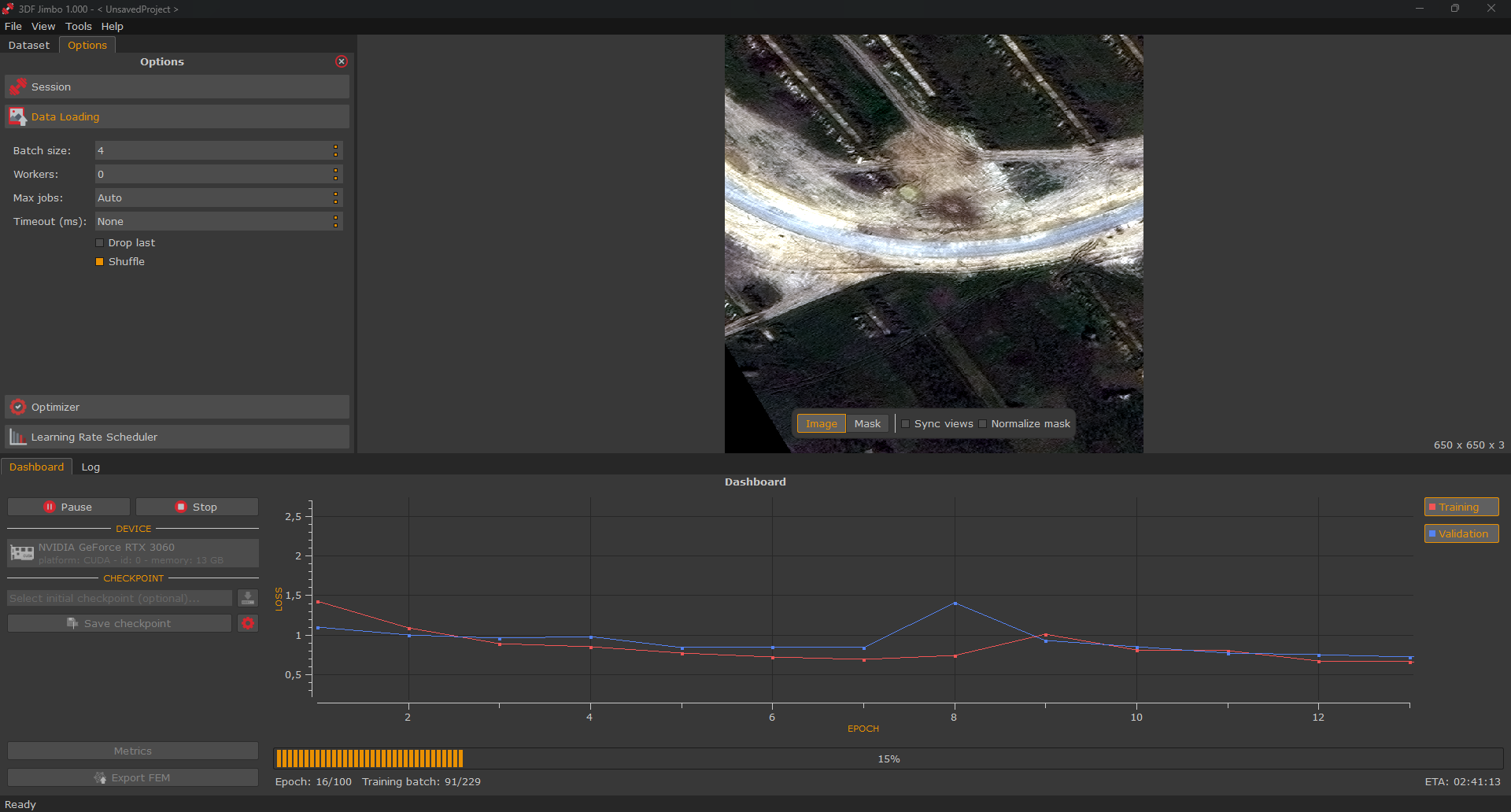
Advanced users can fine-tune epochs, train/test split, batch size, optimizer, and learning-rate scheduling.
Training runs on your local machine, and choosing a GPU makes it considerably faster than running on the CPU.
You can take a look at what Jimbo’s workflow looks like in our 3DF Jimbo tutorial.
Built for production use.
Checkpoints let users resume a previous session instead of starting over, and the training state can be saved automatically at regular intervals.
A live plot shows how training is evolving and reports statistics along the way. A simple export step produces a model file ready to be used in 3DF Zephyr or 3DF Masquerade, so the whole process, from labeled images to a deployed classifier, takes place inside the 3Dflow toolchain.
If you’d like access to 3DF Jimbo, please contact us directly, as it is currently available to selected customers only.
Click the button below or email your 3Dflow sales contact directly, and we’ll get you started as soon as possible!
